Introduction
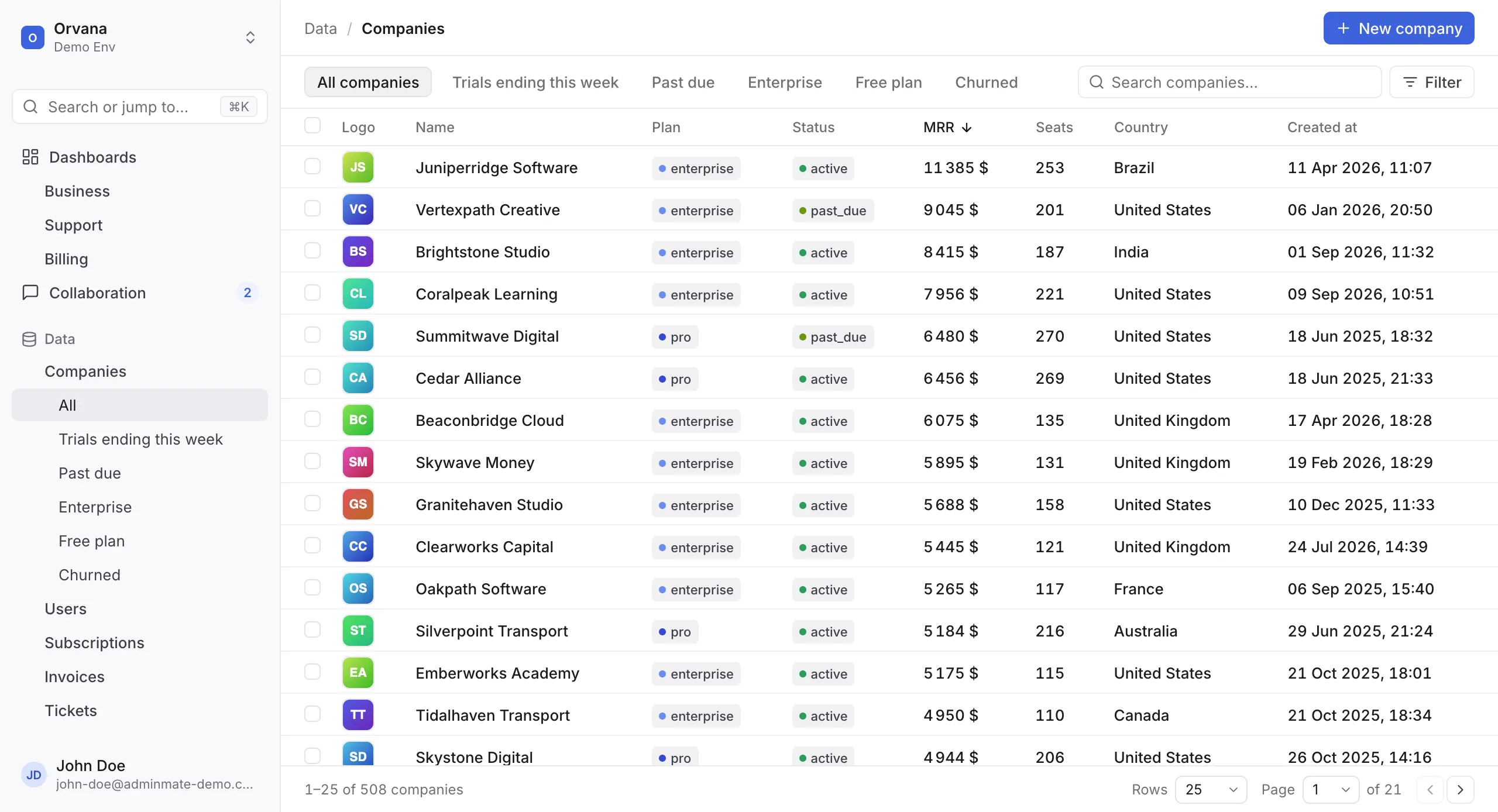
Adminmate turns your database into a complete back-office for your team: a data explorer with filters and segments, create / update / delete, custom actions, dashboards, an activity log, collaboration and team-based permissions.
How Adminmate is different
Section titled “How Adminmate is different”Adminmate is split in two parts:
- the Dashboard, the interface your team uses, hosted by us at app.adminmate.io;
- the Data API, a small Node.js / Express API that you run next to your database.
Your data is read and written by the Data API, on your servers. It is never copied nor stored by Adminmate, and reading it requires a master password that only your server knows. You don’t have to change anything in your existing infrastructure.
Read How it works for the details.
Compatibility
Section titled “Compatibility”| Database | ORM used by the Data API | npm package |
|---|---|---|
| MySQL | Sequelize | adminmate-express-sequelize |
| PostgreSQL | Sequelize | adminmate-express-sequelize |
| SQLite | Sequelize | adminmate-express-sequelize |
| MongoDB | Mongoose | adminmate-express-mongoose |
The Data API requires Node.js 16 or later and runs on Express. It can be generated for you as a standalone app, or added to your existing Express app in a few lines.
Where to start
Section titled “Where to start”- Install the Data API — about 5 minutes.
- Configure your models: segments, actions, options.
- Invite your team and set their permissions.
- Deploy the Data API so that your team can use it.
Every feature is free. If you get stuck, contact us from the chat on adminmate.io or at [email protected].